
Mastering Instagram Captions for Restaurants: Turn Scrollers into Customers

sushakanaujia
Author
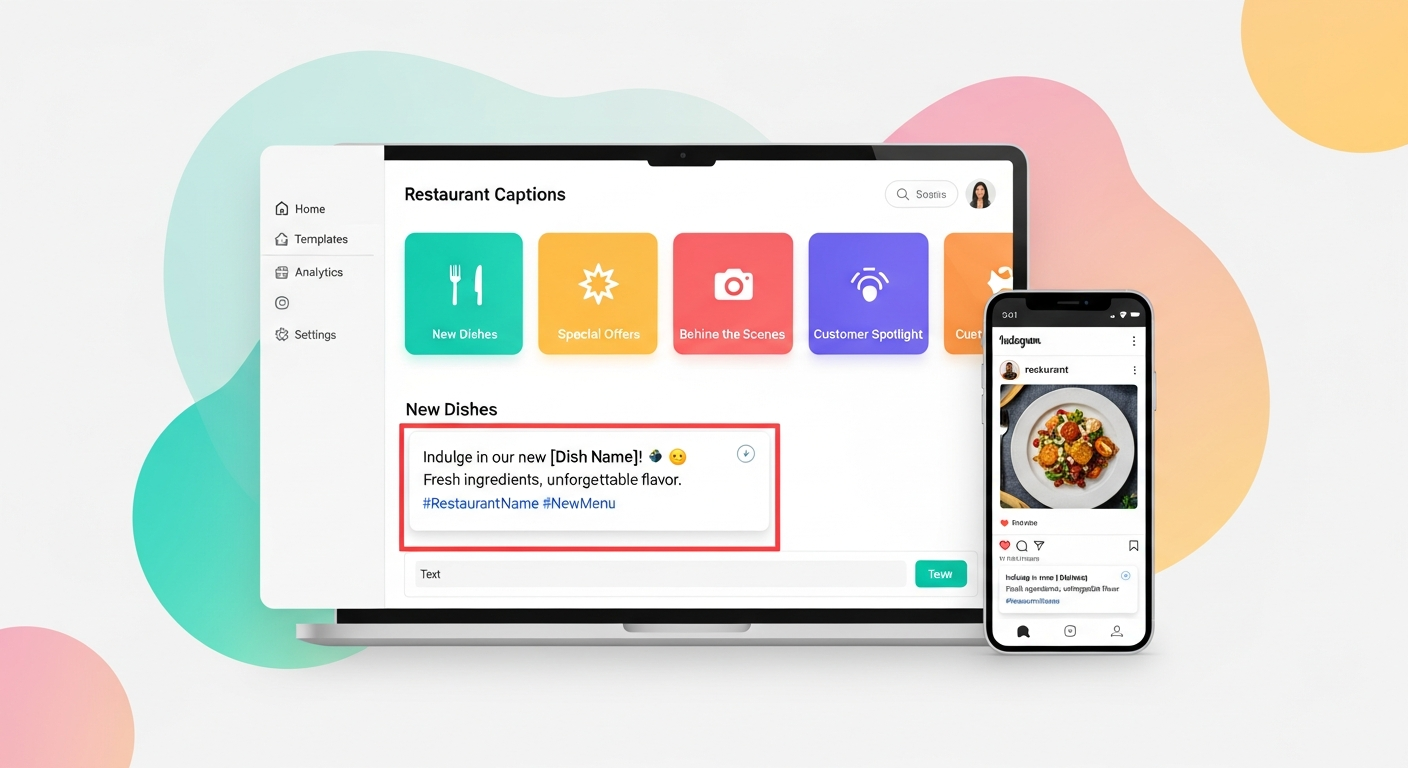
Alright, let’s talk Instagram. Because honestly, if your restaurant isn’t crushing it there, you’re leaving serious money on the table. And nope, I don’t mean just posting pretty pictures of your pasta. I’m talking about Instagram captions for restaurants that actually make people drop their phone, call up their friends, and say, “We have to go there.”
Too many restaurant owners treat captions like an afterthought. A sad, bland “Dinner is served!” or a list of ingredients that puts me to sleep. But here’s the thing: your caption is where the magic happens. It’s where you turn a scroll into a stop, a like into a save, and a save into a reservation. And look, restaurant customers are 5.5x more likely to visit a restaurant they’ve seen on social media (Source: OpenTable/TheFork). So, yeah, this isn’t optional. It’s revenue.
High-quality captions can boost Instagram post engagement by up to 18% (Source: Social Media Today analysis), and you know engagement is how the algorithm sees you. You wanna be seen, right? Of course you do. So let’s make it happen.
This one’s underrated.
Ditch the Dull: Why Your Instagram Captions for Restaurants Need a Serious Glow-Up
Honestly, most restaurant Instagram captions are flat. They don’t evoke emotion, they don’t tell a story, and they definitely don’t make me drool. Think about it: people eat with their eyes and their imagination. Your caption needs to paint a picture, almost as much as your photo does.
The biggest mistake? Not understanding what your customers are really looking for. It’s not just food; it’s an experience. It’s comfort. So it’s adventure. It’s connection. Your captions need to tap into that.
So, how do you fix it? You start with a strategy. Not some generic list of emojis, but a thought-out plan that makes every single word count.
The Core Ingredients: Crafting Killer Instagram Captions for Restaurants
You can have the most gorgeous plating, but if your caption is weak, you’re missing a beat. Every killer caption needs three things: A Hook, Value, and a Clear Call to Action (CTA).
- The Hook: This grabs attention immediately. It’s a question, a bold statement, a relatable emotion.
- The Value: What’s in it for them? What craving does it satisfy? What experience does it offer?
- The CTA: What do you want them to do next? Be specific.
Captions with a clear Call-to-Action (CTA) have a 2.6x higher conversion rate than those without (Source: Hubspot Social Media Report). That’s not a small difference, that’s a direct impact on your bottom line. And yeah, the optimal length for a conversion-focused Instagram caption is 125-250 characters for organic posts, even shorter for ads (Source: Later/Hootsuite). So, let’s get punchy.
Storytelling Through Captions: The Journey of Your Ingredients
Ever wondered how some brands just click with their audience? It’s often because they tell a story. Not just “here’s a salad,” but “here’s the story behind this salad.”
Real-World Example: Sweetgreen’s Sourcing Story
Look at Sweetgreen. They don’t just show you a bowl. They tell you about the farm, the local farmer, the seasonal journey of that sweet potato or crisp kale. So their captions are often a little longer, yes, but they’re rich. They talk about sustainability, about community, about fresh, local produce. It’s not just food; it’s a lifestyle.
This approach isn’t about being preachy; it’s about building perceived value and trust. And guess what? Brands that effectively communicate their values and story through social media see 20% higher customer loyalty and can command up to a 10% price premium (Source: Sprout Social, Nielsen). Sweetgreen’s storytelling captions often result in higher “save” rates, too. People save them, thinking, “I need to remember this brand and what they stand for.” That’s legit engagement.
Example Caption idea for Chef Maria’s ‘The Wholesome Spoon’:
“Meet Farmer John! 👋 He grew these incredible heirloom tomatoes right down the road, and they’re the star of our new Summer Burrata Salad. Crisp, juicy, and bursting with local sunshine. Taste the difference supporting local makes! #FarmToTable #LocalEats #[YourCity]Foodie”
Crafting Creative Restaurant Captions: Asking Engaging Questions & Driving UGC
You want engagement? Ask for it. Simple questions can spark huge conversations. And better yet, get people to create content for you.
Real-World Example: Shake Shack’s Conversational Community
Shake Shack? They’re masters of this. Their captions are super informal, playful. They’re not just posting a picture of a burger; they’ll ask, “What’s your go-to Shack order?” or “Tag a friend who needs a double ShackBurger right now!”
But they don’t stop there. They consistently repost amazing user-generated content (UGC). Someone posts a killer pic of their fries? Shake Shack will share it, crediting the customer, adding an enthusiastic caption. This makes customers feel seen, appreciated. They want to post more, hoping for that shout-out. It’s a genius loop.
UGC-focused campaigns can see a 28% higher engagement rate than standard brand posts (Source: TINT). And seriously, 79% of people say UGC highly impacts their purchasing decisions (Source: Stackla). That’s not just likes; that’s direct-to-purchase influence.
Example Caption idea for Chef Maria’s place:
“That Monday feeling calls for pasta, right? 🍝 Tell us, what’s your ultimate comfort pasta dish? 👇 Bonus points if you tag a friend who owes you dinner! #PastaNight #ComfortFood #EatLocal”
Useing Emojis and Hashtags for Maximum Reach & Readability
Don’t underestimate the power of a well-placed emoji or a smart hashtag strategy. Emojis break up text, convey emotion, and guide the eye. Hashtags? They’re your discovery engine.
- Emoji Psychology: Use emojis to emphasize, point, or add flavor. A pointing finger (👉) to direct to your CTA, food emojis (🍕🥗🥂) to visually represent dishes, or seasonal emojis (🍂☀️☃️) to set the mood. It keeps things light and readable.
- Hashtag Tiering: Don’t just slap on 20 random hashtags. Think strategically:
- Broad: #Restaurant #Foodie
- Niche: #FarmToTableBistro #VeganEats (if applicable)
- Branded: #TheWholesomeSpoon #ChefMaria
- Location-specific: #PhillyFoodie #DTLAeats
Use 5-10 highly relevant hashtags per post. And for readability, put a few line breaks after your caption before dropping the hashtags.
- Pro-Tip: Posts with a location tag receive 79% higher engagement (Source: Instagram Business Blog). For restaurants, this translates directly to increased foot traffic from local searches. Don’t skip tagging your location!
The Growth Hack: Scaling Your Captions for Serious ROI
Okay, so you get why good captions matter. But let’s be real, you’re busy running a restaurant. You don’t have endless hours to brainstorm, write, and refine epic captions daily. This is where automation, a growth hacker’s secret weapon, comes in.
Real-World Application: The “Ghost Kitchen” Growth Hack
Imagine running not one, but five virtual restaurants from one kitchen. A burger spot, a taco place, a healthy bowl concept… each needs its own distinct social voice, daily specials, and killer captions across different platforms. Manually, that’s a nightmare. It’s a massive bottleneck.
A smart operator? They’d use an AI tool – something like AICreatify – to:
- Input: Brand voice guidelines (“playful” for tacos, “clean & fresh” for bowls), dish details, promotions, desired CTAs.
- Generate: Instantly get 5-10 caption variations per concept, per day.
- Customize: Tweak for specific events or hyper-local targeting.
- Schedule: Push it out to all those brand accounts efficiently.
This isn’t just about saving time (though it does – AI-powered content generation can reduce creation time by up to 70%, Source: Gartner, Forrester estimates). It’s about agility. It means you can scale your content generation super efficiently, making sure each brand stays fresh and distinct online. Plus, you can rapid A/B test caption styles and CTAs across multiple concepts to quickly figure out what actually converts. Businesses adopting AI tools for content creation report cost savings of 30-50% and significant improvements in content velocity (Source: IBM, Adobe). Think of the ROI when you can run more frequent, targeted promotions without burning out your team.
You can snag amazing ideas for your captions without pulling your hair out. Seriously, if you’re stuck, use tools built for this stuff. Our Instagram Caption Generator can whip up captions in seconds, tailored to your restaurant and specific goals. It’s a game-changer when you’re short on time but can’t afford to be short on creativity.
Your Turn, Chef Maria: A Step-by-Step Campaign Blueprint with AICreatify
Alright, Chef Maria, let’s get specific. You’re launching your new seasonal “Autumn Harvest Tasting Menu” at “The Wholesome Spoon.” We want to boost online reservations by 25% in two weeks. Here’s exactly how we’ll do it.
Step-by-Step with AICreatify: Generating High-Impact Restaurant Captions
Campaign Goal: Increase online reservations for “The Wholesome Spoon’s” new seasonal “Autumn Harvest Tasting Menu” by 25% over a two-week launch period.
Phase 1: Pre-Launch Hype (Week 1)
- Define Core Message & Goal: We’re highlighting freshness, local sourcing, and unique flavors. The goal here’s to build anticipation and collect email sign-ups for VIP early access.
- AICreatify Input (Anticipation Posts):
- Restaurant Type: Farm-to-table bistro, “The Wholesome Spoon.”
- Dish/Menu: “Autumn Harvest Tasting Menu.”
- Desired Tone: Warm, inviting, exclusive, slightly mysterious.
- Marketing Goal: Build anticipation, drive email sign-ups for early bird reservations.
- Key Details: Seasonal ingredients (butternut squash, wild mushrooms, heirloom apples), limited availability, chef-curated.
- CTAs: “Link in bio for early access,” “Sign up for VIP list,” “DM us ‘HARVEST’ for a sneak peek.”
- Generate & Refine Captions: Use AICreatify to generate 3-5 variations for Instagram Posts and 2-3 shorter ones for Stories.
- Example AICreatify Output (refined by Susha):
- Post 1 (Tease): “Something truly special is brewing in Chef Maria’s kitchen… 🍂 Our Autumn Harvest Tasting Menu is almost ready to enchant your palate. Imagine the rich flavors of local butternut squash, wild mushrooms, and heirloom apples, crafted into an unforgettable culinary journey. And be among the first to experience it. Sign up for VIP early access via the link in bio! #AutumnHarvest #TheWholesomeSpoon #FarmToTable”
- Story 1 (Poll/Question): “Which autumn flavor are you most excited for? 🎃 Butternut Squash | 🍎 Heirloom Apples | 🍄 Wild Mushrooms (Poll Sticker)”
- Example AICreatify Output (refined by Susha):
- Practical Execution Steps for Phase 1:
- Content Calendar Integration: Schedule 3 teaser posts and 5-7 engaging stories (including behind-the-scenes snippets of ingredients, chef prepping). Do this over 5 days.
- Visuals: Pair these with high-quality, atmospheric photos or Reels. Focus on raw ingredients, kitchen shots, or a glimpse of a plated dish (without giving everything away, of course).
- Link in Bio Improvement: Make sure that link in bio points directly to an email capture landing page. You want those VIP early birds.
- Hashtag Strategy: Integrate primary, secondary, and LSI keywords, just like we talked about (e.g., #SeasonalMenu #BistroLife #ChefMaria).
Phase 2: Launch & Conversion (Week 2)
- Define Core Message & Goal: Announce the menu officially. Emphasize scarcity and exclusivity. The clear goal here’s to drive direct online reservations.
- AICreatify Input (Launch Posts):
- Restaurant Type: Farm-to-table bistro, “The Wholesome Spoon.”
- Dish/Menu: “Autumn Harvest Tasting Menu” (now live).
- Desired Tone: Exciting, urgent, luxurious, direct.
- Marketing Goal: Drive online reservations for specific dates/times.
- Key Details: Price point, number of courses, available dates/times, limited seating.
- CTAs: “Book Your Table Now!”, “Reserve Your Experience,” “Link in Bio to Secure Your Seat.”
- Generate & Refine Captions: Generate 4-6 variations for posts, 3-4 for Stories/Reels.
- Example AICreatify Output (refined by Susha):
- Post 1 (Official Launch): “The wait is over! ✨ Our much-anticipated Autumn Harvest Tasting Menu is officially LIVE for reservations! Experience 5 courses of farm-fresh ingenuity, featuring the best of the season. Limited tables available from October 15-30. Don’t miss this culinary journey. Tap the link in bio to reserve your unforgettable evening at The Wholesome Spoon! #TastingMenu #AutumnDining #ReserveNow”
- Story 1 (Swipe Up): “Menu is LIVE! Swipe Up to Book Your Table for the Autumn Harvest Tasting Menu! (Swipe Up Link)”
- Reel Caption (Highlighting a dish): “The star of our Autumn Harvest: Butternut Squash Risotto with Crispy Sage. 🤤 Only on our tasting menu, available for a limited time! Book your table via link in bio before it’s gone! #FoodieHeaven #SeasonalDelights”
- Example AICreatify Output (refined by Susha):
- Practical Execution Steps for Phase 2:
- Content Calendar Integration: Schedule 4 launch posts (mix of photos, carousels, a Reel showcasing a dish) and daily stories. Think testimonials, countdowns, “limited spots left” reminders.
- Visuals: High-quality, professional food photography of the actual menu items. This isn’t a sneak peek anymore; it’s the main event.
- Instagram Ads: Run targeted Instagram Ads with conversion objectives, using the best-performing captions and visuals from your organic posts. Target local foodies, those who engaged with previous posts, and lookalike audiences.
- Direct Booking Link: Your link in bio (and ad CTAs) must go directly to your online reservation system. Make it frictionless.
- Engagement Monitoring: Actively respond to comments and DMs. Answer questions about the menu, and gently encourage bookings.
Our Hashtag Generator can help you find all the hyper-relevant hashtags you need for maximum visibility and engagement during your launch phase. Just plug in your dish and location, and you’re good to go.
Trust me on this one.
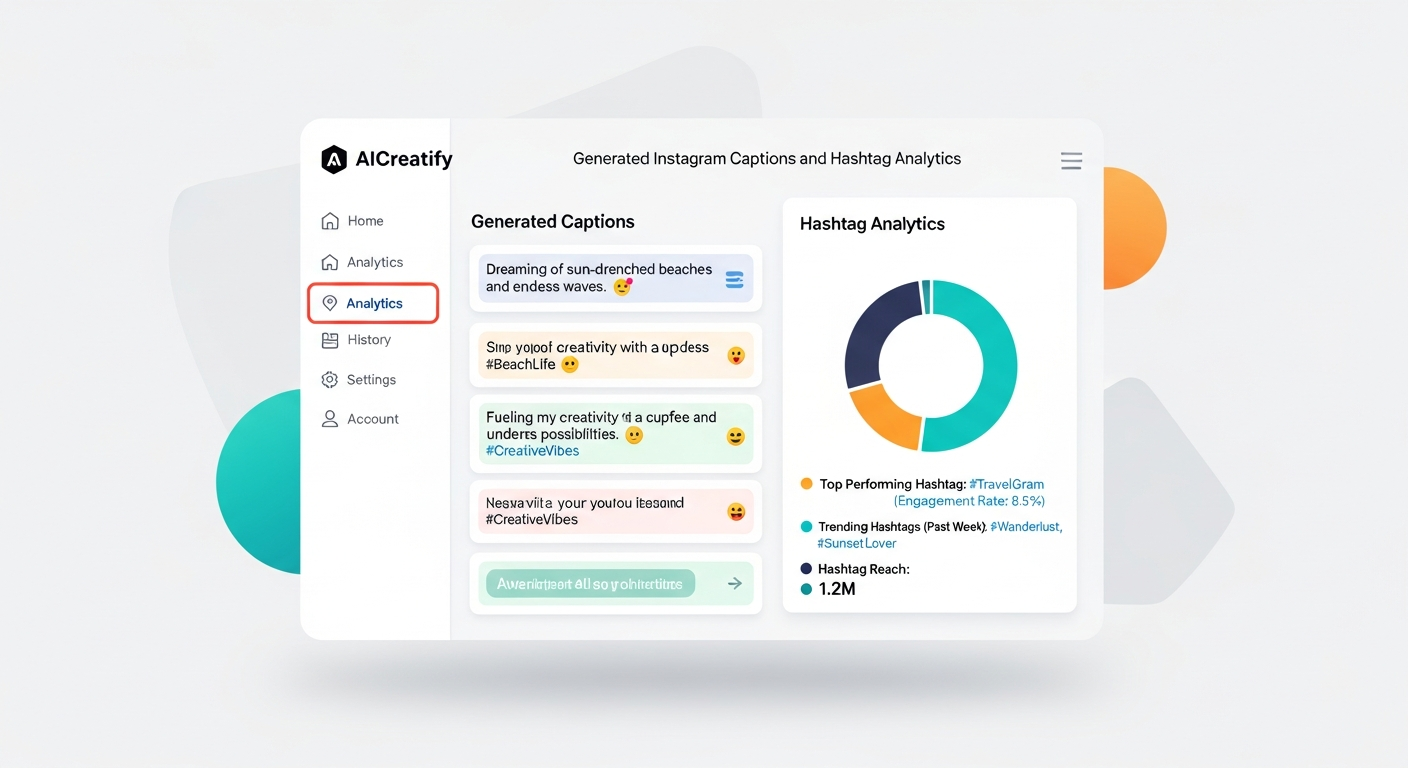
Metrics to Track for Campaign Success:
- Website Clicks/Reservations (from Instagram): Set up UTM parameters on your booking link. This is how you’ll know where your conversions are coming from.
- Profile Visits: Are people intrigued enough to check out your page?
- Reach & Impressions: How many unique eyeballs saw your fantastic content?
- Engagement Rate: Likes, comments, shares, saves per post. Saves are gold – they show people find your content valuable.
- Story Interactions: Poll responses, DMs, swipe-ups (critical for conversion stories).
- Cost Per Reservation (for Ads): If you’re doing paid promos, how much did each reservation cost you?
Data-Backed Expectation: A well-executed campaign that uses strategic captions and visual content can typically see a 20-30% increase in click-through rates (CTR) to booking links compared to generic promotional posts. For local restaurants, Instagram drives ~15% of website traffic and 10% of online reservations on average (Source: Toast POS data analysis, local marketing reports). Improved campaigns? They push these numbers even higher, giving you a real competitive edge.
Beyond the Click: Measuring True Caption Success
So, you’ve put in the work. How do you know if your captions are actually, you know, working? You gotta track it.
Measuring Success: Are Your Captions Actually Working?
This isn’t about vanity metrics, it’s about understanding what drives people through your doors (or to your reservation page).
- A/B Testing Best Practices: Don’t guess, test! Instagram offers A/B testing features for ads, which is awesome. For organic posts, simply vary your caption structure on similar posts. Try a short, punchy caption vs. a slightly longer, storytelling one. Test different CTAs – “Order now via link in bio!” vs. “DM us for reservations!” Just change one variable at a time so you can clearly see what’s causing the difference.
- Setting Up Tracking (Crucial!): This is non-negotiable for understanding ROI. Emphasize using UTM parameters for every single link you share from Instagram. For example:
yourwebsite.com/menu?utm_source=instagram&utm_medium=organic&utm_campaign=autumn_menu. This lets Chef Maria see exactly how many clicks and conversions came from specific Instagram posts. Google Analytics can pull all this data together for you. - Using Instagram Insights: The built-in analytics are your friend. Walk through specific metrics Chef Maria should prioritize:
- ‘Saves’: A huge indicator of content quality and future intent. If people save it, they want to come back to it.
- ‘Comments’: Directly shows engagement and interest. Are people asking questions? Sharing their excitement?
- ‘Profile Visits’: Users who are curious enough to explore your entire profile show high intent.
- ‘Website Clicks’: The clearest direct action. How many people clicked your link in bio?
This data isn’t just numbers; it’s intelligence. It tells you what resonates, what converts, and what you should do more of.
Frequently Asked Questions
Q: How many hashtags should I really use?
A: Stick with 5-10 highly relevant hashtags per post. Go for a mix of broad, niche, branded, and location-specific ones. Quality over quantity, always. And remember to put a few line breaks after your main caption to keep things looking clean.
Q: Should I put my CTA at the beginning or end of the caption?
A: Both can work, depending on your goal. For short, direct posts, putting a punchy CTA upfront can be effective. For storytelling or longer captions, build anticipation and place your CTA towards the end after you’ve provided value. The most important thing is that it’s clear.
Q: Are emojis unprofessional for a fine dining restaurant?
A: Absolutely not! Even fine dining can use emojis effectively and tastefully. Think about emojis that convey elegance, quality, or the dining experience (e.g., ✨🥂 impeccable, 🍷🍽️). They can break up text, add a touch of personality, and make your caption more inviting without compromising your brand’s upscale feel. Just don’t overdo it.
Q: My restaurant targets a very local audience. What’s one tip for captions?
A: Use hyperlocal references! Mention specific landmarks, local events, or neighborhood quirks in your captions. Always, always use your location tag. And don’t forget location-specific hashtags like #YourCityEats or #YourNeighborhoodFood. Make your captions feel like they’re talking directly to the people in your community.
You’ve Got This, Chef Maria.
Look, I know running a restaurant is tough. But your Instagram doesn’t have to be another headache. With a clear strategy, a little creative thinking, and smart tools like AICreatify, your captions can become one of your most powerful marketing assets. Stop playing small. Start telling your story, engaging your community, and filling those tables. You’ve got amazing food; now let’s make sure everyone knows about it.
About Author
Susha Kanaujia
Product Manager and AI enthusiast with 16+ years of experience in technology and digital products.
Is Your LinkedIn Profile Holding You Back?
Get an instant AI audit of your headline, About section, and keywords. Discover exactly what recruiters see and get 1-click Before & After rewrites to rank higher in searches.
+42% Recruiter Views predicted if you fix 3 keyword gaps.
🚀 Enjoying AICreatify?
We'd love your support on Product Hunt. ❤️ Upvote us and share your feedback.