Your LinkedIn Profile Sucks. Yep, I Said It.

sushakanaujia
Author
Your LinkedIn Profile Sucks. Yep, I Said It.
Okay, harsh, I know. But honestly, if you’re not seeing leads, opportunities, or even just decent engagement popping off your LinkedIn profile, there’s a problem. A big one. And let me tell you, it’s probably not you—it’s your profile, and the vanilla way most people treat it. Most folks use LinkedIn like a digital resume, sitting there gathering dust. That’s a huge miss! Think of it less as a dusty CV and more like your personal, 24/7 lead-gen and thought leadership machine. Your digital storefront. Your money-maker.
I’ve been in the trenches. I’ve seen what converts. And I’ve seen profiles that should be locked away. The game has changed, you know? It’s not just about listing your past jobs. It’s about improving every damn pixel to scream: “Hire me, partner with me, buy my thing, follow me, I know my shit.” Seriously, we’re talking about a platform that accounts for over 80% of B2B social media leads, as HubSpot will tell you. You leaving that on the table? Nope, not on my watch.
Let’s fix this.
Why Your LinkedIn Profile Needs a Growth Hacking Makeover
Look, if you think having a profile is enough, you’re dead wrong. A generic profile is invisible. It’s like opening a store in the middle of nowhere and not putting up a sign. How’s anyone gonna find you?
This isn’t about vanity metrics, it’s about cold, hard results. LinkedIn profiles with a professional photo snag 21x more views and 9x more connection requests. And guess what? Profiles with a well-written summary? They get 3.7x more views. These aren’t just numbers, these are people looking for solutions, for talent, for you.
So, how do you make your LinkedIn profile a magnet?
First Up: Your Headshot & Headline – First Impressions Are Everything
Ever scrolled past a profile with a blurry selfie or an egg for a picture? Yeah, me too. Don’t be that person.
- Your Headshot isn’t Optional: Get a clear, professional, friendly headshot. Shoulders up, smiling, making eye contact. No distracting backgrounds, no group photos, no cats (unless you’re a professional cat whisperer, maybe). You’re selling trust here.
- The Headline: Your Search Engine & Your Hook: This is prime real estate, not just for your job title. You’ve 220 characters – use them. Your headline is what shows up in search results. It’s how people find you.
- The Old Way: “Growth Marketer at Company X” (BORING. YAWN.)
- The Growth Hacking Way: “I Help B2B SaaS Founders Grow MRR with Data-Driven Strategies | Fractional CMO | LinkedIn Lead Gen Expert”
See the difference? It tells people what you do for them, what problem you solve, and includes keywords they might be searching for. Pro Tip: Include specific results if you can. “Helped scale ARR by 200% for Series A startups.” Boom. Instant credibility. Plus, including relevant keywords here can boost your appearance in LinkedIn searches by up to 10x. That’s legit a LinkedIn Hooks for Founders-level move!
Your About Section: Tell a Story, Don’t List Bullet Points
This is where most people screw up. They copy-paste their resume. Stop it. Right now. Your About section is your opportunity to tell your story. Who are you? What’s your mission? What fire burns in your belly?
- Hook ‘Em: Start with a strong opening statement. A pain point you solve, a bold declaration of your expertise.
- Narrative Flow: Talk about your journey, your passion. Use active, punchy language.
- Quantify, Quantify, Quantify: “Managed projects” vs. “Successfully managed 15+ complex client projects, increasing efficiency by 30% and exceeding deadlines 90% of the time.” See? Numbers make it real.
- Call to Action (CTA): At the end, tell people what to do! “Want to chat about scaling your business? Send a DM!” Or “Download my free guide on [topic] here: [link to lead magnet].” You can’t just expect them to guess.
Experience, Skills, and Recommendations: The Proof is in the Pudding
Beyond the About section, these are your credibility builders.
- Experience: Don’t just list responsibilities. Highlight achievements. For each role, use 2-3 bullet points that quantify your impact. What problems did you solve? What revenue did you generate? What processes did you improve?
- Skills: Add at least 5 relevant skills. LinkedIn says this alone can lead to 17x more profile views. But here’s the kicker: use their “Skills Assessments.” Verified skills make you stand out and boost your visibility for those specific keywords. Seriously, don’t sleep on this.
- Recommendations: Ask for them! From colleagues, clients, past managers. These are gold. They’re social proof that you’re not just saying you’re good; others vouch for it. And guess what? Recruiters love ’em.
The Featured Section: Your Mini Portfolio & Lead Magnet
This is a game-changer. Use it to showcase your best work, lead magnets, or key CTAs.
Trust me on this one.
- Link to your personal website or portfolio.
- Feature your latest viral LinkedIn post or a key article you wrote.
- Add a direct link to a free resource – an ebook, a webinar, a template. “Download my 7-Step LinkedIn Growth Playbook!“
- Link to a podcast interview you did.
This section is dynamic, you know? Change it up based on your current focus. If you’re launching a new service, that link goes right here.
Real Talk: How Top Dogs Are Using Their LinkedIn Profiles as Money Machines
Don’t just take my word for it. Let’s peek at some folks who actually get it. They’re not just on LinkedIn; they’re actively owning it.
1. Justin Welsh: The Solopreneur’s Playbook for Digital Product Sales
This guy is a legend for a reason. Justin, an ex-VP of Sales, built a multi-million dollar empire selling digital products to solopreneurs. His LinkedIn profile is the sun his solar system revolves around.
- What he does: His headline isn’t just a title. It screams: “Helps solopreneurs grow their audience & income. (500k+ followers) | Advisor | Investor.” Immediate value, immediate social proof.
- Conversion Engine: His Featured Section is pure conversion gold. Directly links to his newsletter, his Gumroad store (where he sells templates and courses), and his highest-performing thought leadership posts. It’s a non-stop CTA.
- Content Activation: He posts 2-3 times daily. Not random stuff, but high-value, actionable advice that directly feeds into his expertise and product ecosystem. Each post is a little breadcrumb, leading you back to his profile, and then to his paid solutions.
- The Growth Impact: Justin attributes a massive chunk of his initial audience and revenue to LinkedIn. He shows how an improved profile, plus consistent, strategic content, turns visitors into subscribers and then into paying customers. This dude regularly pulls in hundreds of thousands of impressions weekly. Imagine that kind of free traffic!
2. HubSpot’s Inbound Sales Team: Social Selling at Scale
HubSpot basically wrote the book on inbound, right? So, their sales team isn’t just cold-calling. They’re social selling.
This part surprised me too.
- Brand Alignment: Each SDR and AE at HubSpot has an improved profile. While personalized, they stick to brand guidelines – professional headshots, company messaging in summaries, and their HubSpot certifications front and center. It builds a cohesive, trustworthy image for the entire company.
- Smart Keyword Usage: They’re trained to weave in keywords like “SaaS growth,” “B2B marketing strategy,” or “sales enablement” into their headlines and summaries. This helps prospects find them when searching for solutions.
- Engage, Don’t Pitch (Initially): These reps aren’t just spamming DMs. They’re sharing company content, industry news, and offering real insights. They engage with prospect posts, adding value, building credibility before any sales pitch comes out. That warms up the lead like nothing else.
- Data Backs It Up: LinkedIn and HubSpot studies show sales pros who actually social sell through their profiles are 50% more likely to hit their quotas. And LinkedIn itself says social selling leaders create 45% more opportunities. Their profiles act as a credible intro, boosting connection acceptance rates and response rates significantly.
3. Google/Meta Recruiters: Talent Magnets
Think recruiters just scroll resumes? Nope. At top tech companies, their recruiters are magnets.
- Personal Branding is Key: These talent acquisition specialists (TAs) aren’t just filling roles. They’re building their own personal brands as experts in specific tech domains, like “AI/ML Engineering Recruiter.” Their summaries show their passion for connecting people with opportunities.
- Thought Leadership: They share articles about company culture, career paths, new tech trends. It positions them as insightful guides, not just gatekeepers.
- Trust Building: They actively get recommendations from hired candidates and internal stakeholders. A recruiter with stacks of positive recommendations? You’re far more likely to trust their outreach.
- Why It Matters: An improved recruiter profile massively bumps up InMail response rates. The industry average for InMail is low (under 20%). But a personalized message from a credible, well-improved recruiter profile? Response rates can shoot up to 30-40% or even higher for highly sought-after candidates. This means faster hires, better talent – serious growth for the company.
The 30-Day LinkedIn “Thought Leadership to Lead Generation” Sprint Playbook
Ready to put all this into action? Good. This isn’t just about polishing your LinkedIn profile anymore. It’s about making it work for you. Like, really work. This 30-day sprint is for ambitious folks – consultants, entrepreneurs, senior professionals – who want tangible results: actual leads, high-value connections, or even a specific job offer.
Pre-requisite: Your LinkedIn profile better be improved from top to bottom, exactly how we just talked about. Headshot, killer headline, compelling summary, quantified experience, relevant skills, and a rocking Featured section. Okay, ready? Let’s roll.
Phase 1: Foundation & Content Strategy (Days 1-3)
- Nail Your Target Persona (1 hour): Who exactly are you trying to reach? “Everyone” is the wrong answer. What are their job titles, industries, pain points, and aspirations? Seriously, dig deep. Use LinkedIn search filters or Sales Navigator if you’ve it.
- Pick Your Content Pillars (2 hours): Based on your expertise and your persona’s problems, identify 2-3 core themes you’ll consistently talk about. For example: “The Future of SaaS Growth,” “Mastering B2B Lead Gen,” “Level Up Your Leadership Skills.”
- Outline Your Content Calendar (3 hours): Plan out 10-12 posts for the entire month (aim for 2-3 posts per week). Mix it up!
- Original Text Posts (40%): Personal insights, mini-case studies, actionable tips. These are huge for engagement.
- Polls/Questions (20%): Great for sparking discussions and getting audience intel.
- Short Videos/Carousels (20%): Visually engaging, shows your expertise.
- Curated Content with Commentary (20%): Share a relevant article, but add your own hot take.
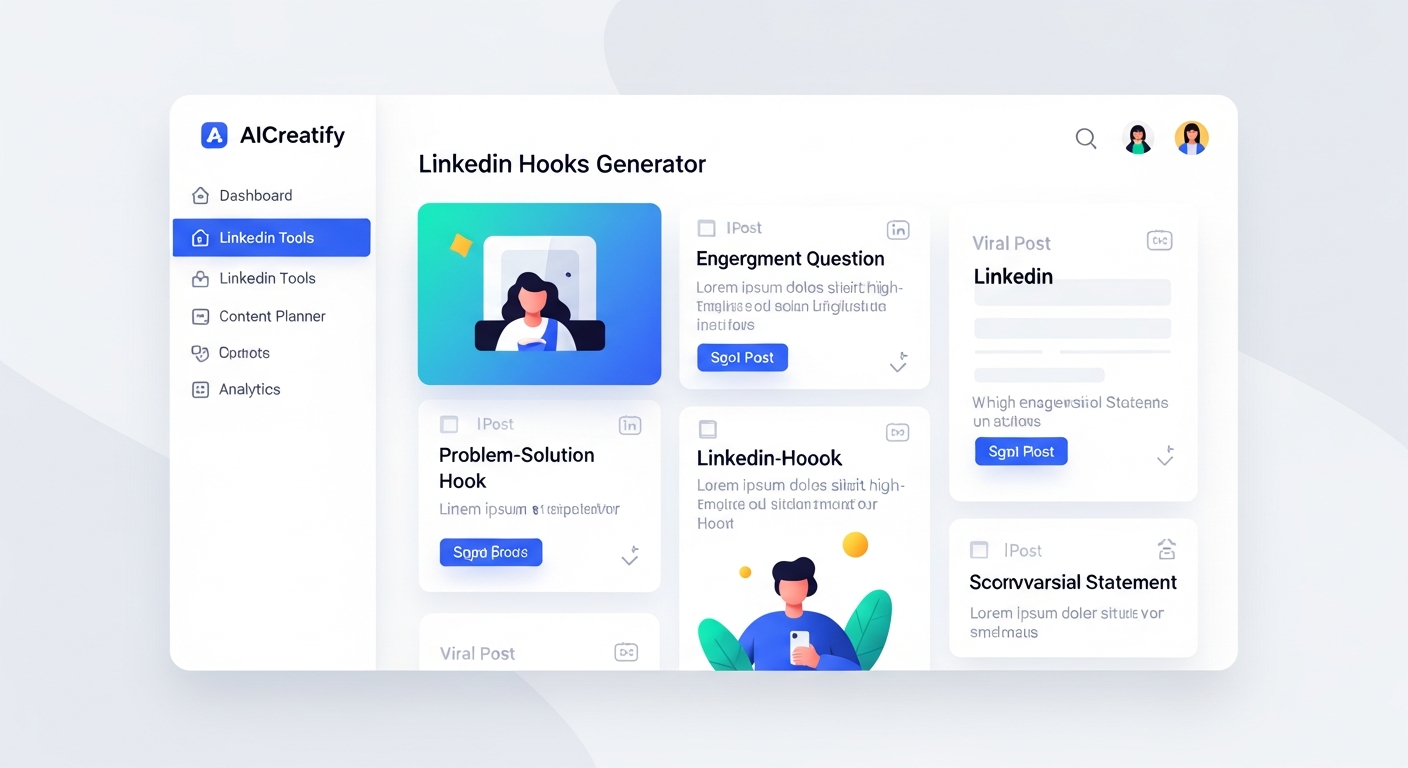
Tools for the Win: Need a kickstart for ideas? AICreatify’s LinkedIn Hooks Generator can get you viral post templates fast. And if you need help drafting that punchy copy, there are tools for that too.
Phase 2: Active Engagement & Publishing (Days 4-28)
- Consistent Publishing (3x/week, 30-45 min/post):
- Schedule or publish your content natively on LinkedIn. Crucial: LinkedIn hates when you link out of the platform in your primary post. If you’ve a link to share (like to your blog or a free resource), put it in the first comment and direct users there with a strong CTA in your post (“Link in comments below!”).
- Strategic Engagement (30-45 min/day):
- Targeted Commenting: Spend 15-20 minutes daily commenting thoughtfully on 5-10 posts. These should be from your target persona, industry leaders, or potential collaborators. Don’t just say “Great post!” Add value, ask a question, offer a different perspective.
- Likes/Shares: Like relevant posts. Share a few key ones, always adding your own concise, valuable commentary.
- Group Therapy (Optional): Join 2-3 highly relevant LinkedIn Groups. Engage in discussions, answer questions, and if it makes sense, occasionally share one of your posts (if allowed and truly relevant).
- Proactive Connection Building (20 min/day):
- Identify 5-10 new ICPs (Ideal Customer Profiles) daily. Use those LinkedIn search filters religiously.
- Personalized Requests: This is where you separate yourself. Don’t send generic connection requests. Craft a unique message for each person. Maybe you mention a shared connection, a post they made that you liked, or explain why you genuinely want to connect. Generic requests? Under 10% acceptance. Personalized ones? 30-50% easy. It’s night and day, I’m telling you.
- Follow-Up: Once connected, send a short, non-salesy thank you. Maybe offer a valuable resource or invite them to a relevant discussion if the time is right.
Phase 3: Nurturing Leads & Analysis (Ongoing + Day 29-30)
- Monitor All Inbound Activity: Stay on top of profile views, InMail messages, and comments on your posts. Reply promptly and thoughtfully. Show you’re present and engaged.
- Featured Section Use: Always make sure your Featured section points to your most important lead magnet or CTA. Is it “Download my [Free Guide]“? Is it “Book a 15-min chat“? Keep it fresh and relevant to your current goals.
- Transition to Direct Outreach (When Ready): After you’ve had a few natural interactions (comments on their posts, them engaging with yours), that’s when you can slide into their DMs with a polite, value-driven message. “Hey [Name], I saw you engaged with my post on [topic X]. Given your role at [Company Y], I thought you might find [Z resource] useful. Would you be open to a quick chat next week to discuss this further?” See? It’s not a cold pitch. It’s a warm conversation starter.
- Track & Analyze (Day 30):
- LinkedIn Analytics: Dive into your profile views, post impressions, engagement rates, and how many new followers you gained.
- Measure Outreach: What were your connection acceptance rates? Your response rates to your DMs?
- Leads Generated: How many people moved into a discovery call? A demo? Or converted into a subscriber?
- Adjust & Repeat: What content performed best? Which connection requests worked? Use this data to fine-tune your strategy for the next 30-day sprint. Because growth? It’s all about iterating. This isn’t a one-and-done deal.
Seriously, Are You Still Overlooking Your LinkedIn Profile?
Your LinkedIn profile isn’t just an “online resume” anymore. It’s a digital asset. It’s a sales funnel, a thought leadership platform, and a magnet for incredible opportunities. Are you leaving money and connections on the table? Probably.
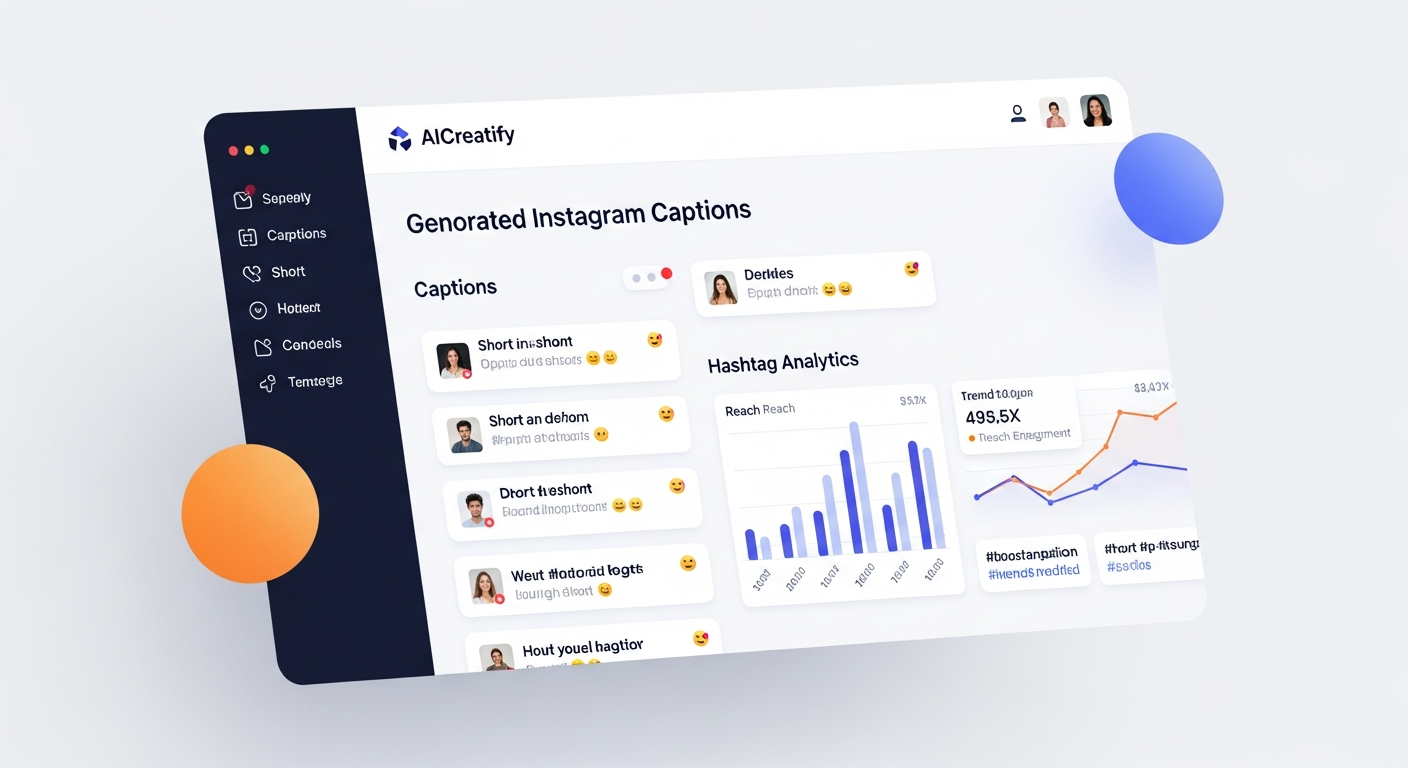
The tools are out there, people. For example, if you’re struggling to make your content pop off, you could easily use a tool like AICreatify’s Instagram Caption Generator to punch up your short-form text for LinkedIn, or even their Hashtag Generator to get better reach. This stuff isn’t rocket science, but it does require effort and strategy.
It’s about showing up consistently and intelligently. So go on. Stop passively existing on LinkedIn. Make it work for you. Make it sing.
Frequently Asked Questions
Q: How often should I update my LinkedIn profile?
A: At least once every 6 months, even if you haven’t changed jobs. Why? Because your skills evolve, your focus shifts, and your industry changes. Plus, give your “Featured” section a refresh monthly to keep it relevant to your current goals.
Quick story.
Q: Is it bad to enable “Creator Mode” on LinkedIn?
A: Nope! In fact, for most ambitious professionals, it’s a huge plus. It changes your default button to “Follow” (though people can still connect), highlights your content pillars, and gives you access to Creator Analytics. This means more visibility for your content and positions you as a thought leader. Go for it.
Q: What’s the biggest mistake people make with their LinkedIn summary?
A: The absolute worst is making it a bland, corporate resume summary. It’s a missed opportunity to show your personality, tell your story, and clearly state how you help people. Ditch the buzzwords; tell me what problems you solve and for whom. And please, for the love of all that’s holy, use a clear CTA!
Q: Should I connect with people I don’t know?
A: Yes, but be strategic. Don’t just send blanket requests. Focus on connecting with people in your target industry, ideal client profiles, or potential collaborators. ALWAYS personalize that connection request, giving them a clear reason why you’d like to connect. A generic invite often gets ignored. A thoughtful one? That’s how you build your network.
About Author
Susha Kanaujia
Product Manager and AI enthusiast with 16+ years of experience in technology and digital products.
Is Your LinkedIn Profile Holding You Back?
Get an instant AI audit of your headline, About section, and keywords. Discover exactly what recruiters see and get 1-click Before & After rewrites to rank higher in searches.
+42% Recruiter Views predicted if you fix 3 keyword gaps.
🚀 Enjoying AICreatify?
We'd love your support on Product Hunt. ❤️ Upvote us and share your feedback.